Tag Archives: iphone

Journal

Remember to drink plenty of water

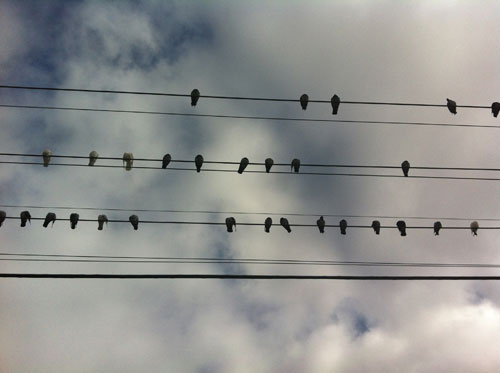
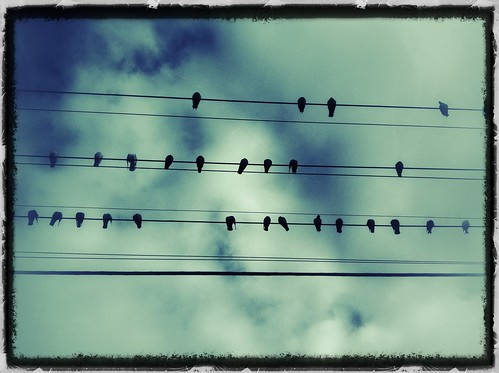
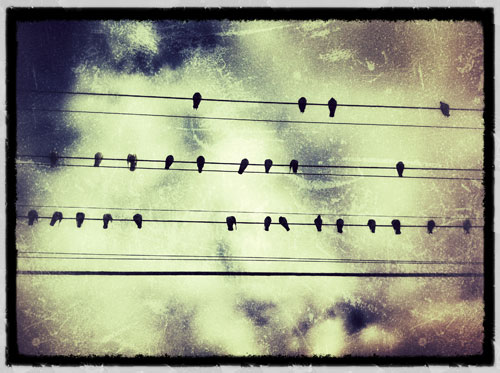
Eight glasses of water per day. Day 239/365.

Wednesday, 20 July 2011, Day 239/365.

I try to remember to drink as much water as possible during the day. I have a glass of water at my side and when it’s empty it’s a good excuse to get away from the computer to go and fill it up.

On the weekends when I’m not at work this routine goes out the window and I might get to the end of the day and realise I’ve hardly drank anything.

I used the iPhone camera+ app to take the above photo. It’s kind of similar to Instagram except the end resulting photos are in a higher resolution which I like.

Journal Photography

365 project – a photo a day

I have always watched with interest people starting and some finishing a photo a day challenge. I decided I’d do it once I got my new phone with web capabilities and I finally got it one week ago. It’s been eight days and I haven’t forgotten to take a photo per day yet.

Below are days 1-7. You can follow my progress on Flickr. So far all the photos I’ve taken have been with the iPhone using the Hipstamatic app. My only beef with the Hipstamatic app is that what you see isn’t what you get with the framing of the picture so it can be a bit hit and miss.

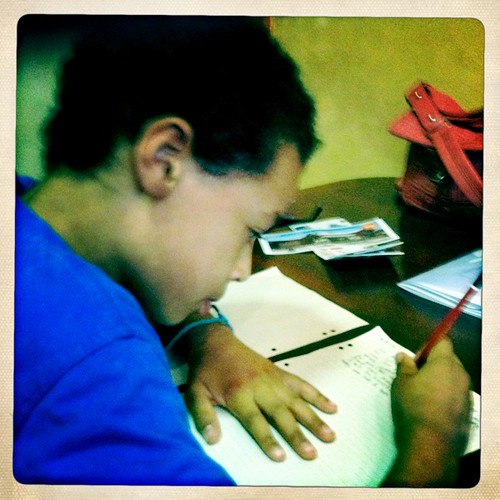
Writing - Day 1/365

I’d just installed the app while JJ was writing a story. He’s right into writing at the moment. He even wrote something the other day and let me correct his spelling and re-wrote it. His spelling needs some work.

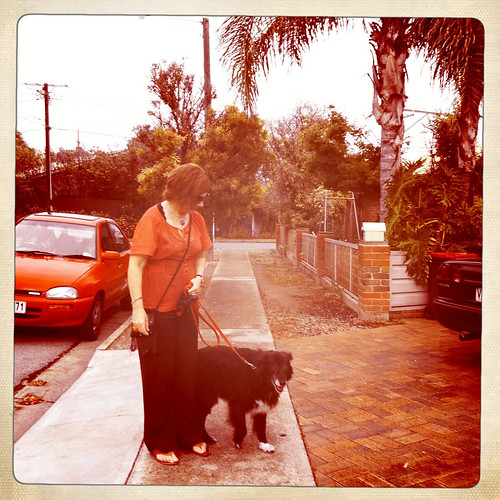
Walking the dog - Day 2/365

This was taken on our morning walk and it’s at our local oval usually used for sport, but you’re still allowed to let your dog off the lead here so long as organised sport isn’t being played and so long as you pick up its poo and keep it under control. My dog is deaf now so if she wanders off and I call her she can’t hear me. I have to get in front of her face and wave my arms to get her attention these days.

On way to seminar #workwed Day 3/365

This was taken on my way to a seminar on North Terrace in Adelaide. I’ve taken a similar photo using my DSLR.

Daily walk - Day 4/365

I obviously didn’t take this one. This is on our morning walk yet again.

Work Xmas dinner. Day 5/365

We had our work christmas dinner the other night so I took a few using the Hipstamatic app (this is one) and some without. The iPhone 4 camera works pretty well – I like it.

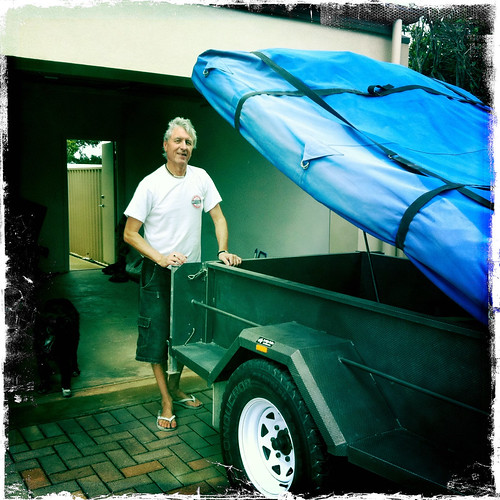
Selling the camper trailer. Day 6/365

This is The Surfer near his camper trailer that he sold the other day. We showed the people who ended up buying it how to put up the tent part. I’ve only done that twice now and really can’t remember that well what to do so I pretended I knew what I was doing while trying to make it look really easy. The people who bought it seemed really nice so I hope they enjoy it. The Surfer has bought a camper van to use instead of this which is why he sold it.

Waiting for fish and chips. Day 7/365

I ended up choosing this one for day 7 because JJ looks so so happy here. He’d been quite annoying this day after a really good day on Saturday… He was probably really happy because he was going to have his favourite fish and chips for dinner. We’d just been to pick up my sister from the airport.

And that’s my first week of daily photos. I’ll do an outtakes versionĀ  I reckon because there’s some other good photos that I didn’t choose for the daily photo. I couldn’t say what my criteria are really, but it’s partly a document of my day-to-day life I guess.

Have you done a photo a day project or point to people you know of who have?

Web/Tech

iPad – I tried to play

I started my new job nearly four weeks ago and one of the perks was that I get to play with the office iPad. Like a kid with a new toy I took it home at the end of last week after a short tutorial from my colleague.

The experience left me a bit disillusioned though. Let me explain.

I could logout of my colleague’s Facebook and Twitterific accounts and login as myself. Facebook played nicely but Twitterific still had my colleague’s tweets on there until mine started taking over. I did find a way to clear the cache – not that any of mine, or hers, are sensitive and we follow each other anyway.

But when it came time to update the applications I couldn’t because it wouldn’t let me logout of her iTunes account and login as myself.

iPad, as I discovered the hard way, is not multi-user.

After that I couldn’t be bothered adding any other apps because I didn’t want to spend half my Sunday night finding out how to log out of them.

I’m still to get my iPhone – long story – but I imagine they’re quite similar which I don’t see as a problem. But an iPhone is less likely to be shared. Sure, your kids might play some games on it but it’s fairly unlikely they’ll be using the same applications like Facebook, email, and so on, as you are.

iPad, on the other hand, I think is more likely to be shared. Come on Apple, multi-user would be nice.

I’m not alone in sharing this thought according to MacWorld and macenstein

Related Posts Plugin for WordPress, Blogger...